

virmach 家 VNC 登录,显示硬盘丢失
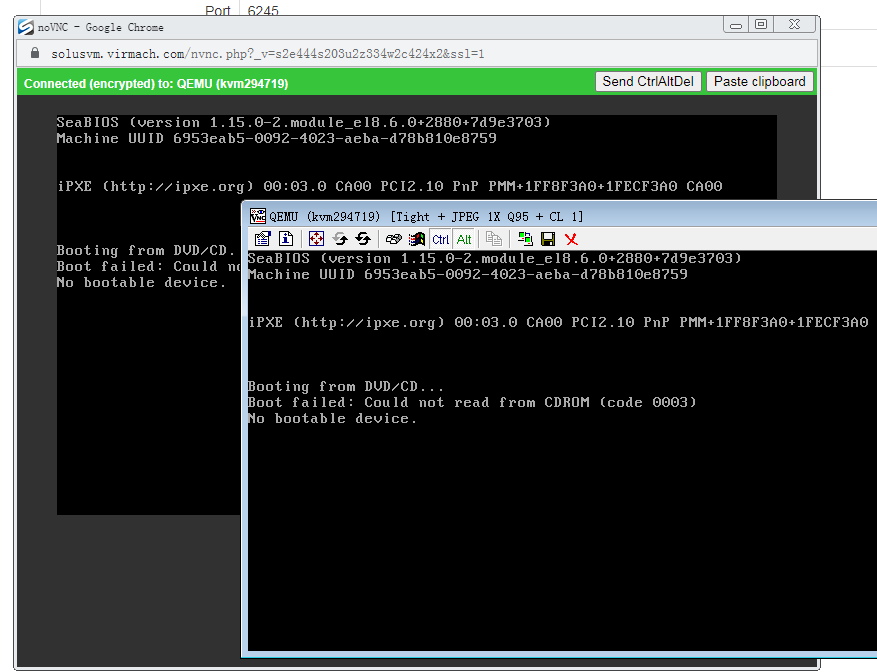
首先试试,能否光盘启动,看看能否修复一下
挂载光盘,只有一个可选,启动失败,显示代码
Failed to connect to server (code: 1011, reason: Failed to connect to downstream server)
估计是母鸡和ISO启动光盘存储库连接失败
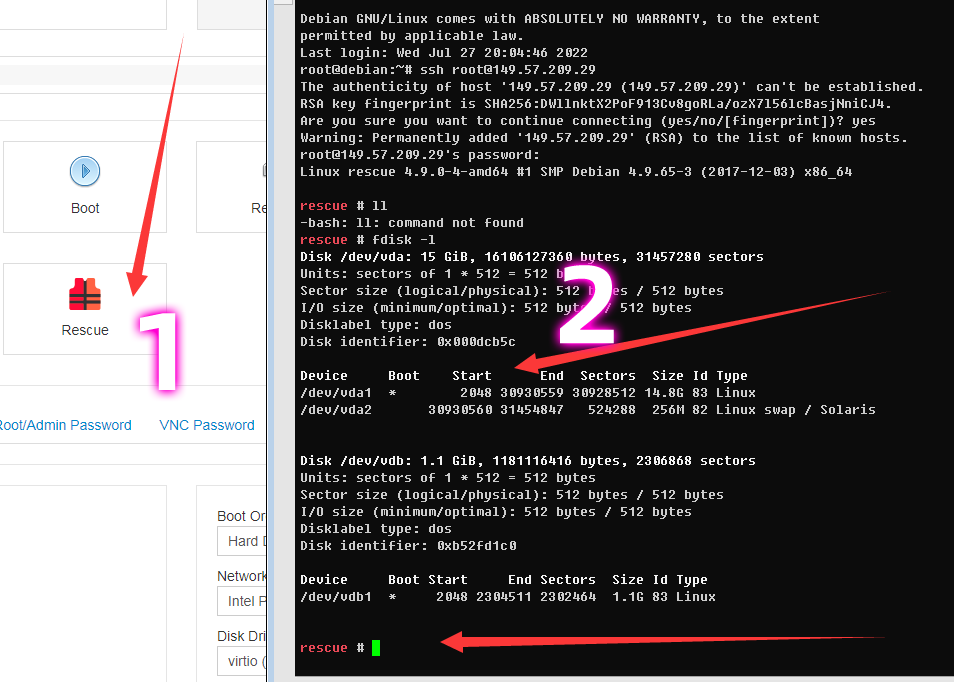
选择 修复模式重启,然后使用 ssh 登录,可以看到硬盘
修复模式 引导的系统很小,其他软件要自行安装
```
apt update
apt install wgetcurl# 安装常用工具
```
### scp 道是不用安装,可以这个,把原来的硬盘mount,把数据打包 传送到备份机上
## 1. 使用 mount 挂载原来的硬盘
```
mkdird
mount /dev/vda1d
cd d/root
```
## 2. 再试用 tar 打包数据,试用scp备份,这个就不详细说了
## 3. 使用 wget 下载 netboot.xyz , dd 到原来的硬盘应该就可以重新安装系统了
相关文章:
https://hostloc.com/thread-1052520-1-1.html 原创:VirMach无法重装,再发下VNC安装系统教程
https://hostloc.com/thread-1052520-1-1.html 原创:使用VirMach家小鸡被修改IP,不会修改IP小白请看
https://hostloc.com/thread-1052868-1-1.html 原创:VirMach No bootable device 修复数据和重新安装系统
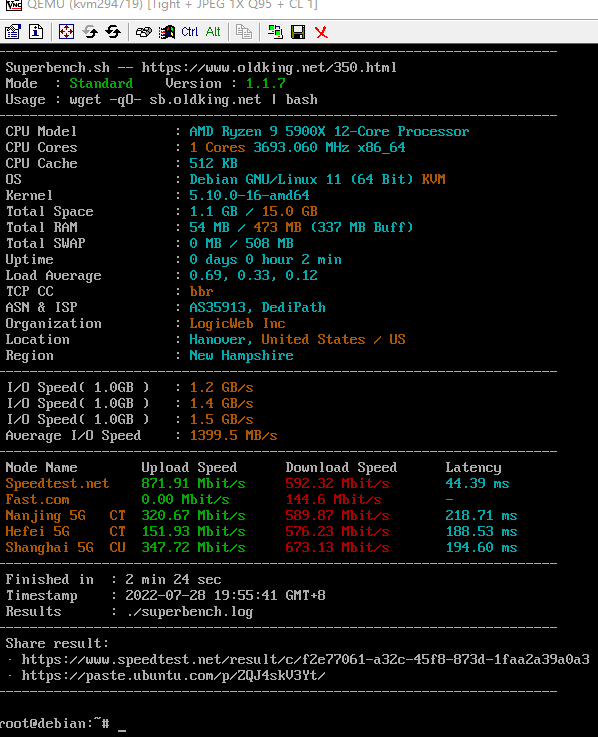
晚上 把系统修复好了 ,和下面两种方法有点区别,不过下面两种 好用一点
- # Install grub-imageboot
apt install grub-imageboot
# Download netboot.xyz ISO
mkdir /boot/images
cd /boot/images
wget https://boot.netboot.xyz/ipxe/netboot.xyz.iso
# Update GRUB menu to include this ISO
update-grub2
reboot
或者
dd if=/dev/vdb of=/dev/vda
热议
2楼 Lison 4天前
大佬,我跟你的情况一样,但是启动了救援模式后,他给的22端口,ssh连接不上,端口ping也不通
3楼 larry 4天前
最好还是迁移,不然问题永远在
4楼 hchen 4天前
https://hostloc.com/search.php?m ... =No+bootable+device 搜索了一下关键字“No bootable device”,这真属于仙人的“原创”。
5楼 sdqu 4天前
胖子再这么玩下去,今年的图灵奖大概得mjj们拿去了
6楼 sRGB 4天前
https://hostloc.com/search.php?mod=forum&searchid=2400&orderby=lastpost&ascdesc=desc&searchsubmit=ye ...
我取消"原创",这个只是我自己试出来的笔记记录。
发现硬盘没有丢失,试用 mount 后恢复数据,
然后 dd netboot.xyz 重新安装
两个文章 区别还是有一点
7楼 wutiao 4天前
我的JP038 VNC救援模式都进不去
9楼 wutiao 4天前
日本节点,最好空的时候试试
大佬,VNC和救援都进不去怎么试啊啊
10楼 yizhi 半小时前
apt install grub-imageboot
大佬 这个下载不了怎么破
申明:本文内容由网友收集分享,仅供学习参考使用。如文中内容侵犯到您的利益,请在文章下方留言,本站会第一时间进行处理。